Online Scanner

Scan QR codes from camera or images instantly, with secure, on-device processing designed for iPhone.
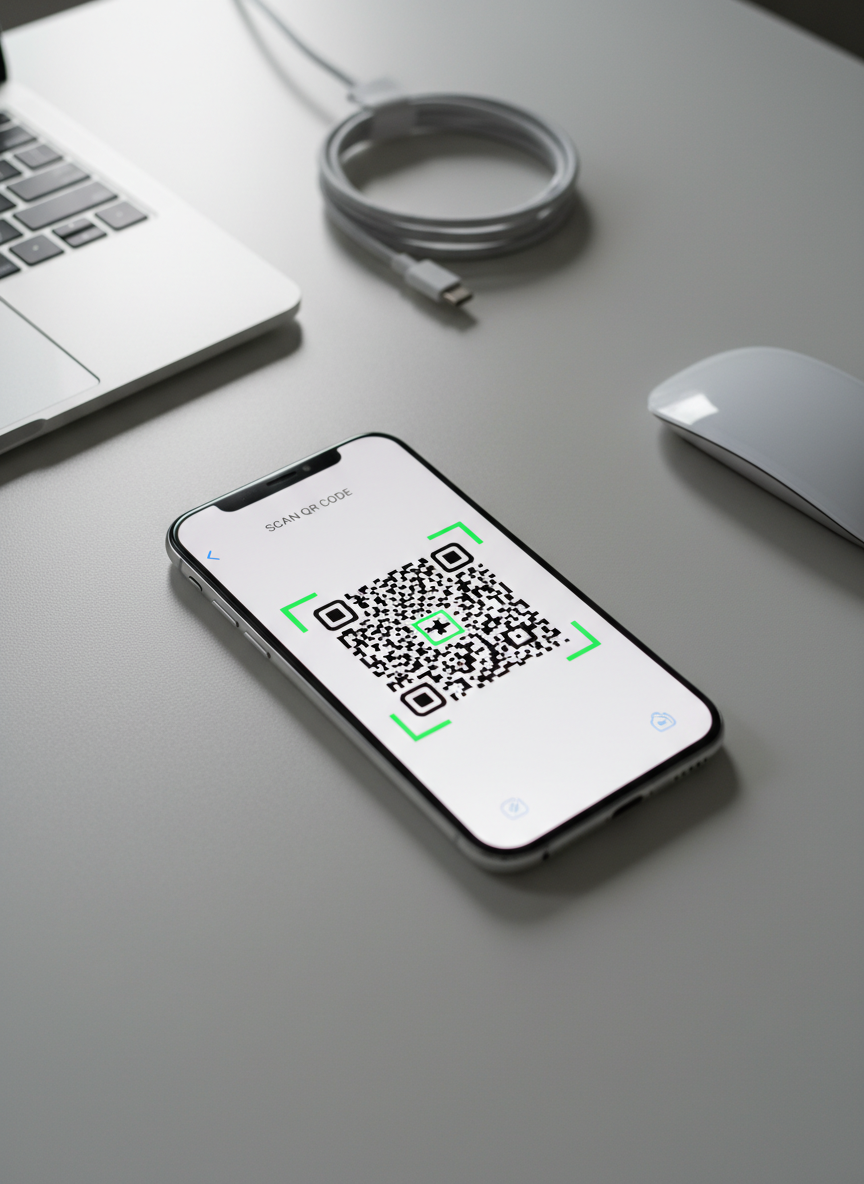
A modern smartphone lying flat on a clean, light gray desk surface, its screen displaying a crisp, high-contrast QR code in the center of a minimalist scanning app interface. Around the phone, a subtle blur reveals the edges of a slim laptop, a wireless mouse, and a neatly coiled white charging cable, suggesting a tidy workspace. Soft daylight from an unseen window to the left creates gentle reflections on the phone’s glass and faint shadows on the desk. Shot from a slightly elevated, three-quarter angle with shallow depth of field, the composition feels professional and focused. Photographic realism, neutral tones, and a clean, modern aesthetic convey speed, simplicity, and reliability in QR code scanning.
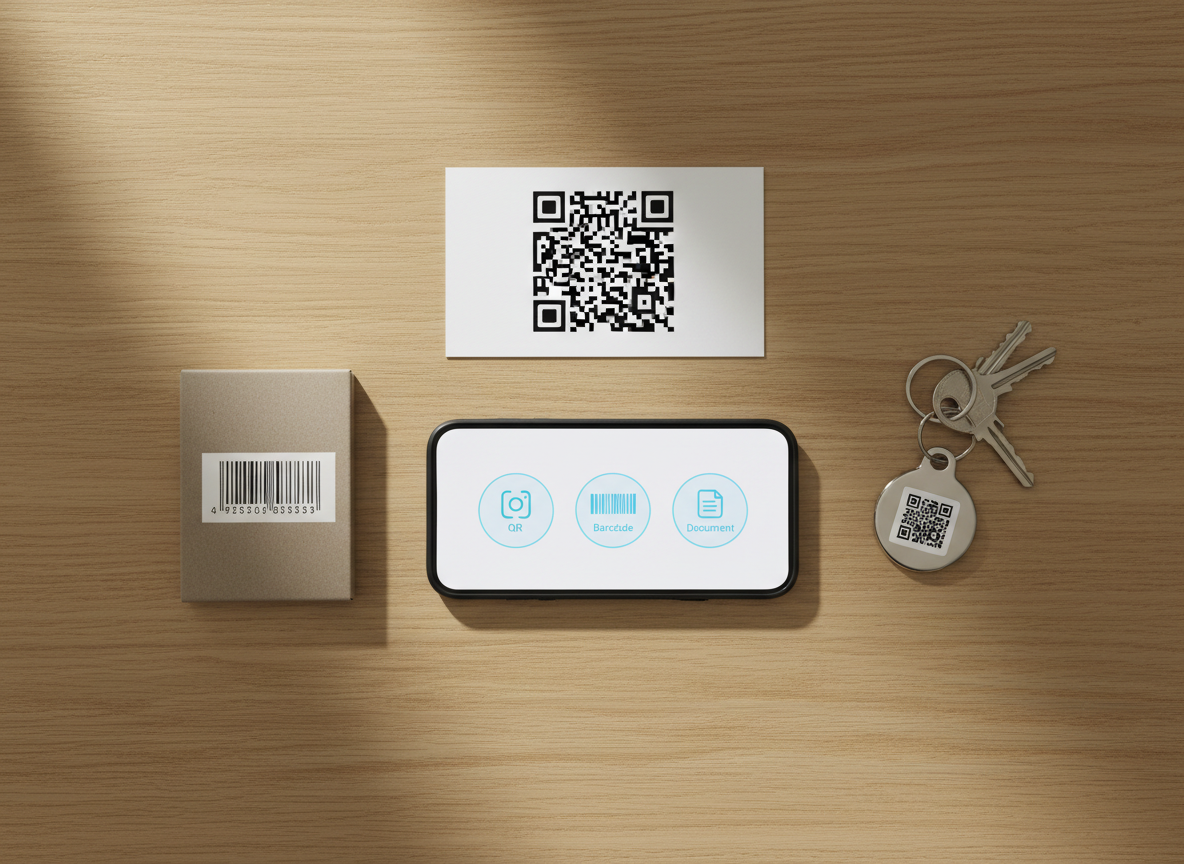
An overhead view of a light oak table arranged with different types of codes: a bold QR code on a white card, a retail barcode on matte packaging, and a small QR sticker on a metal key tag, all radiating outward from a central smartphone displaying a unified scanning app interface. The phone screen shows icons for QR, barcode, and document scanning in a clean, modern layout. Soft, indirect daylight from an off-frame window washes the scene, enhancing the natural wood grain and the matte versus glossy finishes of each object, while casting faint, consistent shadows. The photographic composition uses a flat lay style with sharp focus across the image, creating a clear, organized, and versatile mood that highlights multi-format scanning capabilities.

How Our Secure Scanner Works

ScanQR reads QR codes using your iPhone camera or uploaded images, decoding everything locally on-device. No scans are stored; we only access the camera when you grant permission for scanning. Lightweight detection keeps results instant, accurate, and reliable, even with screenshots.

Meet ScanQR
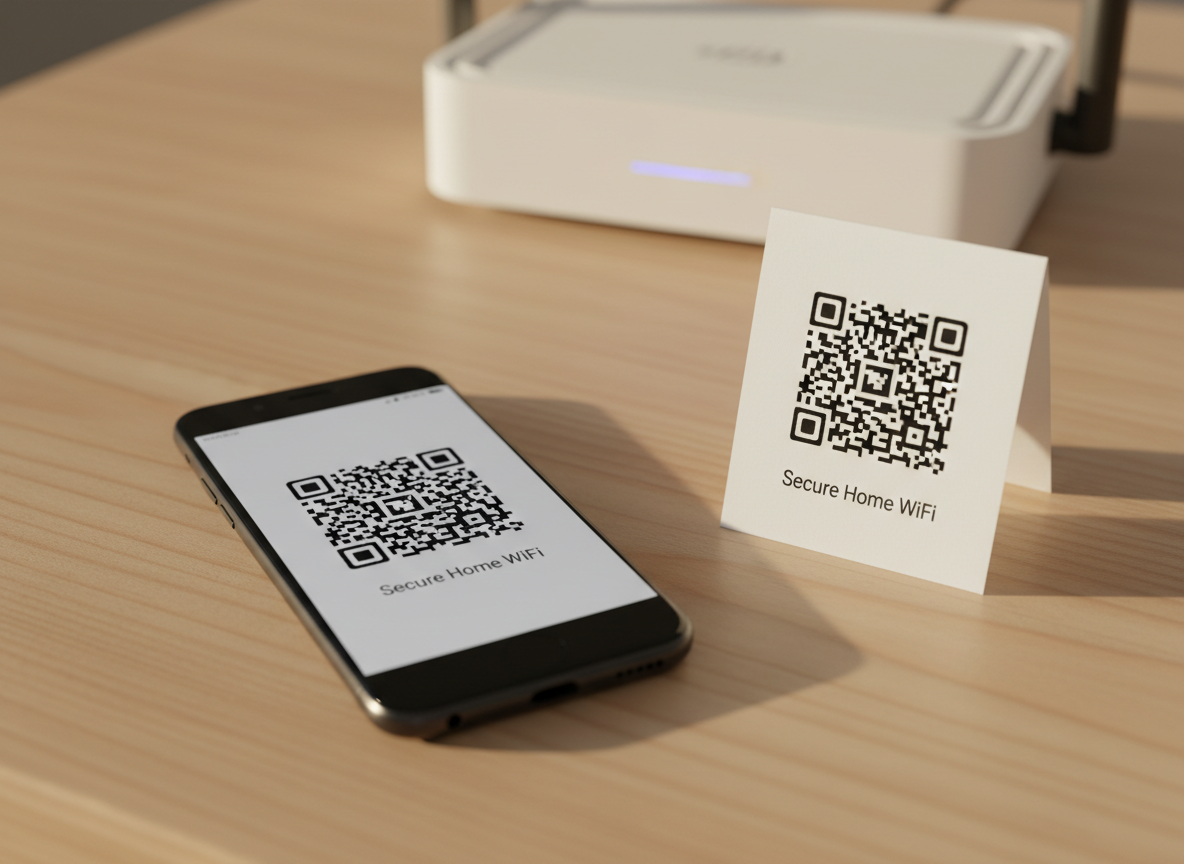
A shiny black smartphone resting on a pale wooden table, its screen showing a QR code generator app with a freshly created network QR code labeled “Secure Home WiFi.” Beside the phone lies a small, tent-style card displaying the same QR code printed in dense black ink on bright white stock. In the softly blurred background sits a modern router with discreet LED lights, hinting at wireless connectivity. Warm afternoon light filters in from the left, casting gentle, elongated shadows and subtle reflections on the phone’s glass. Captured from a slightly elevated angle using shallow depth of field, the composition keeps the digital and printed QR codes as twin focal points. The mood is inviting, secure, and practical, with realistic photographic detail and a clean, modern tech aesthetic.

Aarav Sharma

CEO

Alex leads product at ScanQR, balancing fast scanning features with clear, privacy-first decisions.
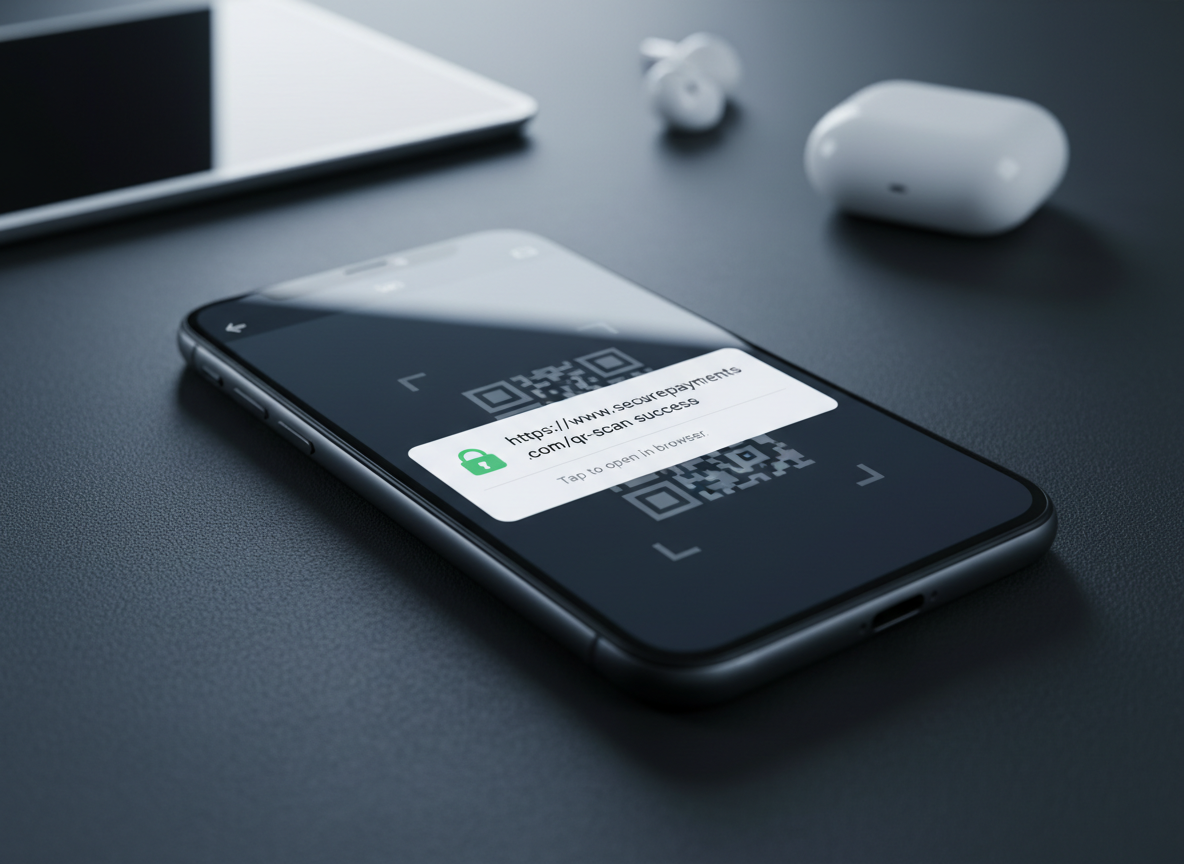
A detailed close-up of a smartphone screen running a QR scanning app, paused on a scanned URL result showing a secure padlock icon and a clearly formatted web address on a white background. Behind the on-screen dialog, the faint outline of a QR code remains visible in the dimmed camera preview. The phone rests on a charcoal-colored desk surface with a subtle texture, and the edges of a tablet and wireless earbud case are softly blurred in the background. Cool, directional studio lighting from the top-left creates controlled reflections on the glass and crisp yet soft shadows. Shot at a low, almost parallel angle with shallow depth of field, the composition emphasizes trust, clarity, and digital safety. Photographic realism and a restrained color palette reinforce a professional, security-focused atmosphere.

Mateo García

CTO

Mina crafts our iPhone experience, ensuring every scan feels instant, intuitive, and frustration-free.
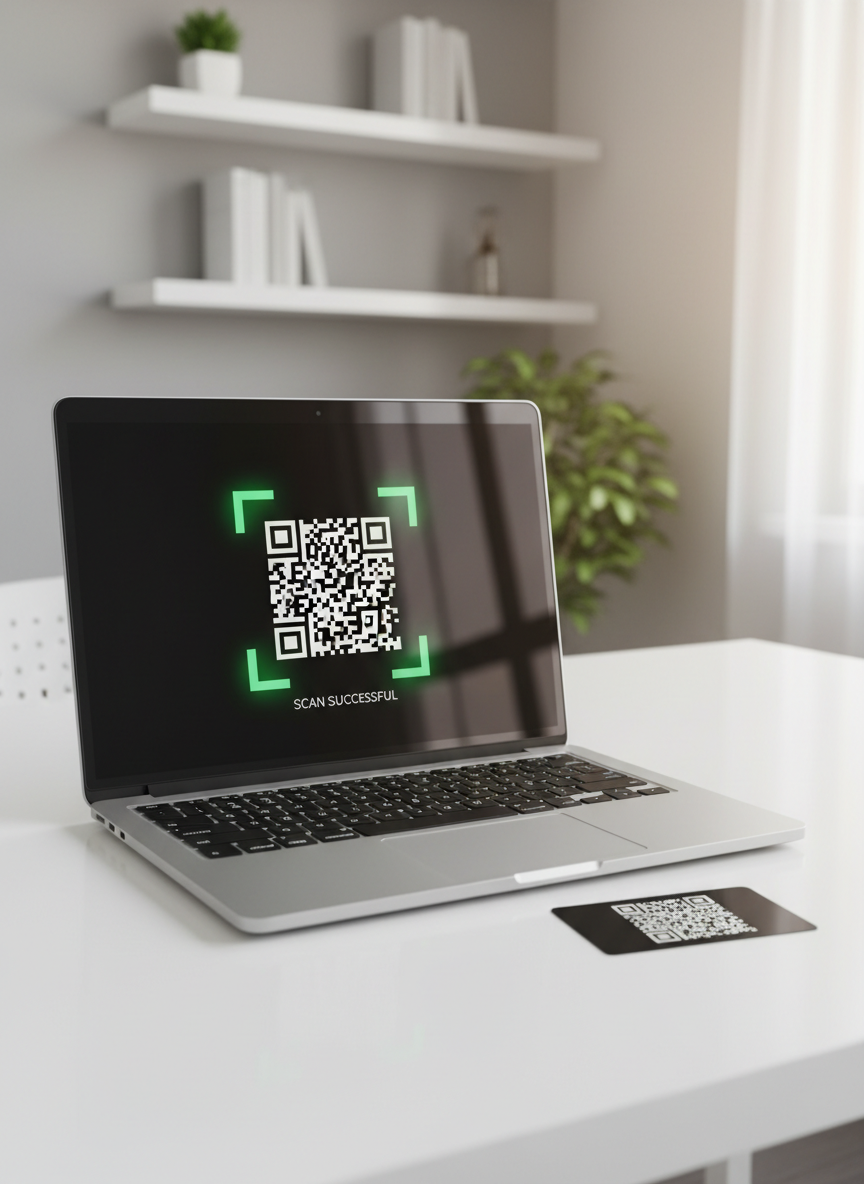
A contemporary aluminum laptop open on a minimalist white desk, its screen showing a large live webcam preview with a QR code framed in green brackets at the center, indicating a successful scan. Next to the laptop lies a flat, black plastic card bearing the QR code, slightly angled toward the camera. The environment is a bright, modern office with blurred hints of shelves and neutral decor in the background. Bright but soft natural light floods from a right-side window, creating subtle reflections on the laptop’s metallic surface. Shot from a slightly elevated angle with moderate depth of field, the composition uses the rule of thirds to keep the QR code as the focal point. The mood is efficient, clean, and secure, rendered in crisp photographic realism.

Zuri Ndlovu

Engineer

Raj optimizes our on-device engine so QR codes decode quickly, even in low light.
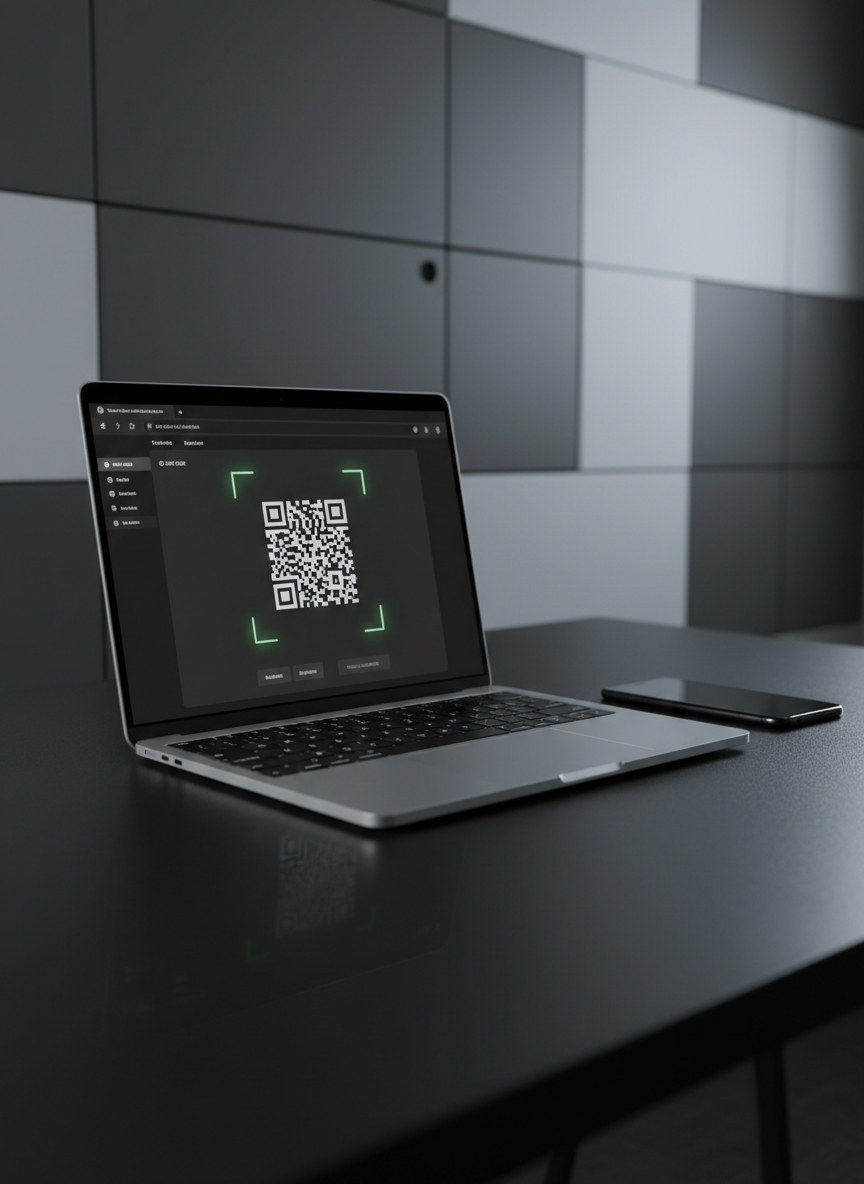
A monochrome-themed workstation centered around a slim, silver laptop displaying a dark-mode QR scanning web app, with a prominent camera preview window and a clearly visible, glowing green outline framing a QR code. On the matte black desk sits a matching black smartphone face-down, showing a subtle reflection of the laptop’s screen on its glass back. The background recedes into a soft blur of geometric wall panels in shades of gray. Cool, directional LED lighting from the back-right creates a sleek gradient across the surfaces and a faint rim light on the laptop’s edges. Shot at a slightly low angle with medium depth of field, the photographic image feels ultra-modern, secure, and efficient, underscoring a professional online scanning experience.

Leila Haddad

Designer

Lena secures camera access and data handling, rigorously auditing permissions and encryption for every update.