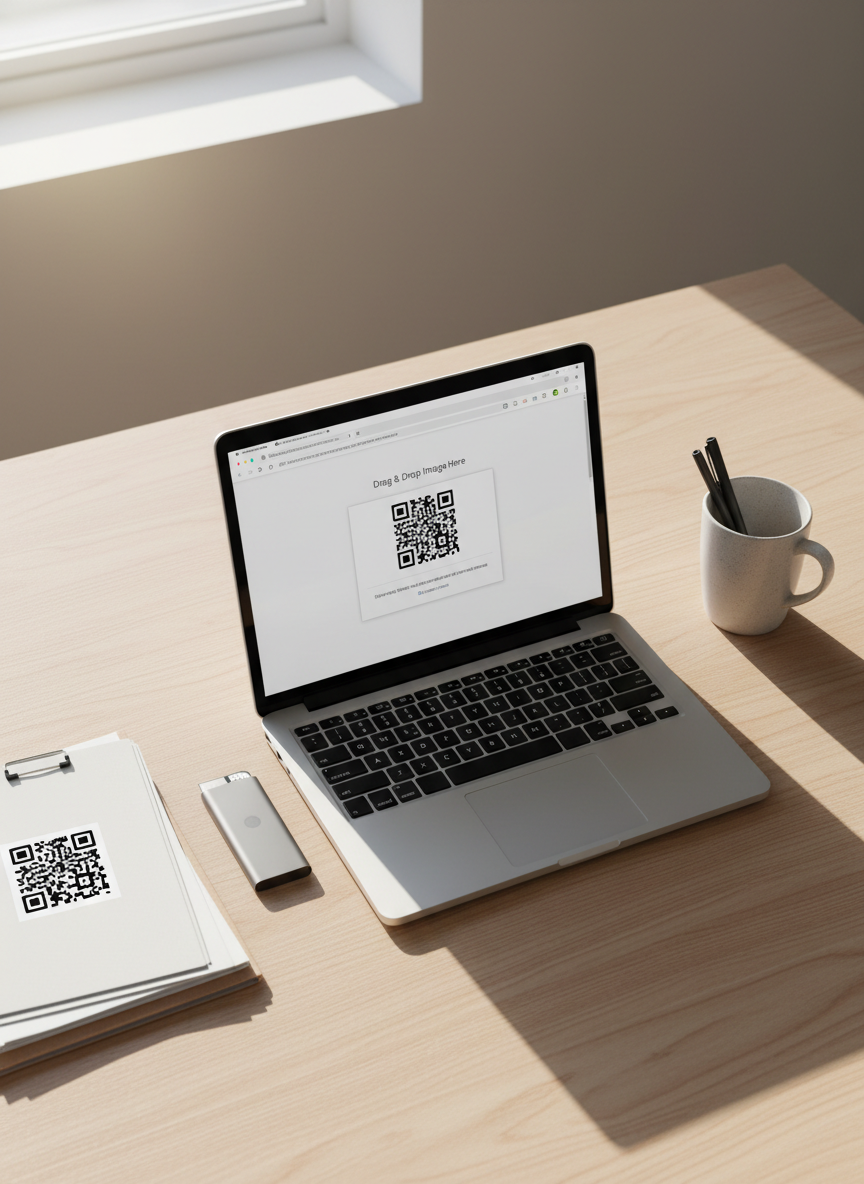
An overhead, bird’s-eye view of a light wood desk showcasing the process of scanning a QR code from an image file. A silver laptop with a bright screen displays a browser window where a QR scanner web app is open, featuring a drag-and-drop upload area with a thumbnail of a screenshot containing a QR code. Nearby, a neatly arranged folder of printed screenshots and a slim external SSD emphasize digital organization. Soft natural daylight from the side creates a gentle gradient of light across the desk, producing delicate shadows under each object. The mood is calm, organized, and efficient, with a photographic, clean, and modern aesthetic emphasizing ease of use without any mobile app installation.

QR Scanner

Scan QR codes from any image or webcam directly in your browser—fast, private, and free.

Overview

Discover how to instantly scan QR codes from images, screenshots, or your webcam, with no downloads, sign-ups, or installations—just open ScanQR in your browser and start decoding in seconds.
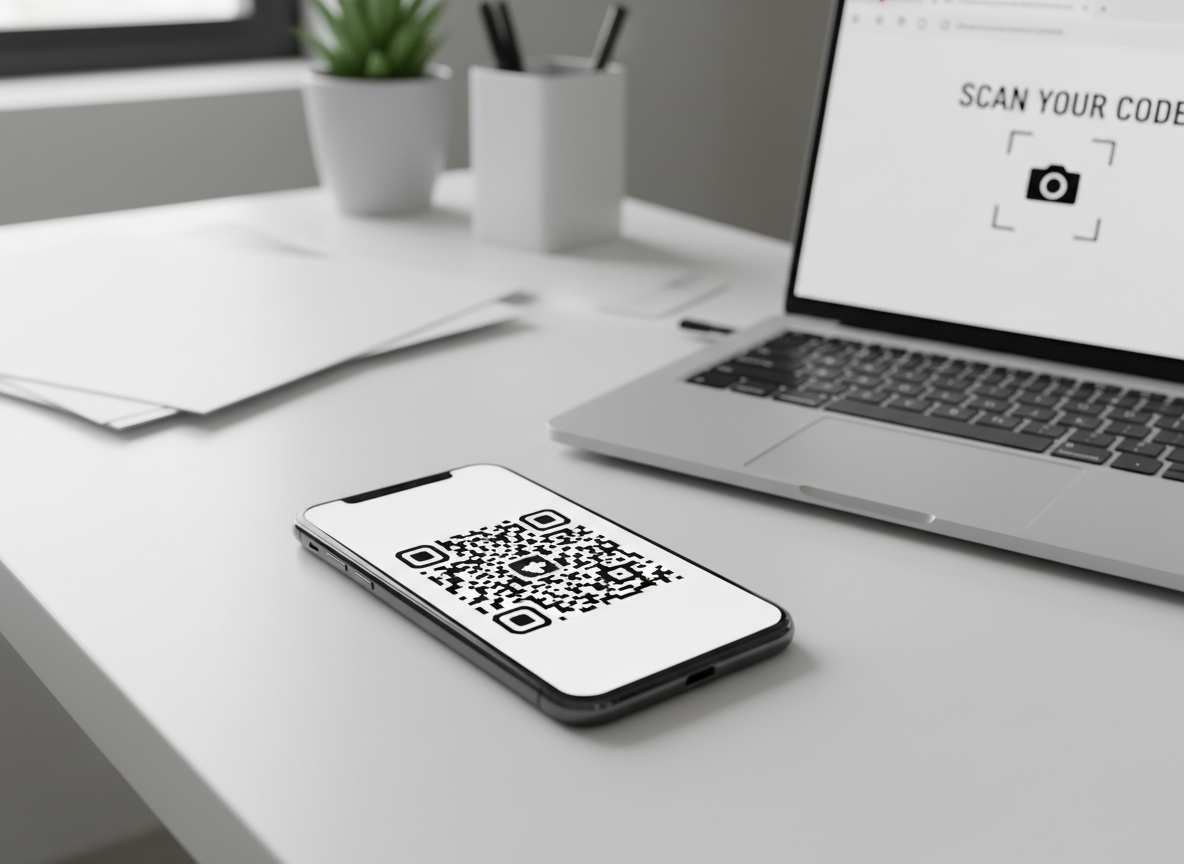
A high-resolution close-up of a glossy black smartphone on a clean white desk, its screen displaying a large, crisp black-and-white QR code centered on a bright interface. Next to the phone lies a sleek silver laptop with a partially visible browser window showing a minimalist QR scanner web page. Soft, diffused daylight from an unseen window creates gentle reflections along the phone’s glass and subtle shadows beneath the devices. The background fades into a tasteful blur of neutral office elements, emphasizing the devices. Shot from a slightly elevated angle with shallow depth of field, the mood is professional, modern, and efficient, rendered in photographic realism with a clean, technology-focused aesthetic ideal for an online QR scanner service.