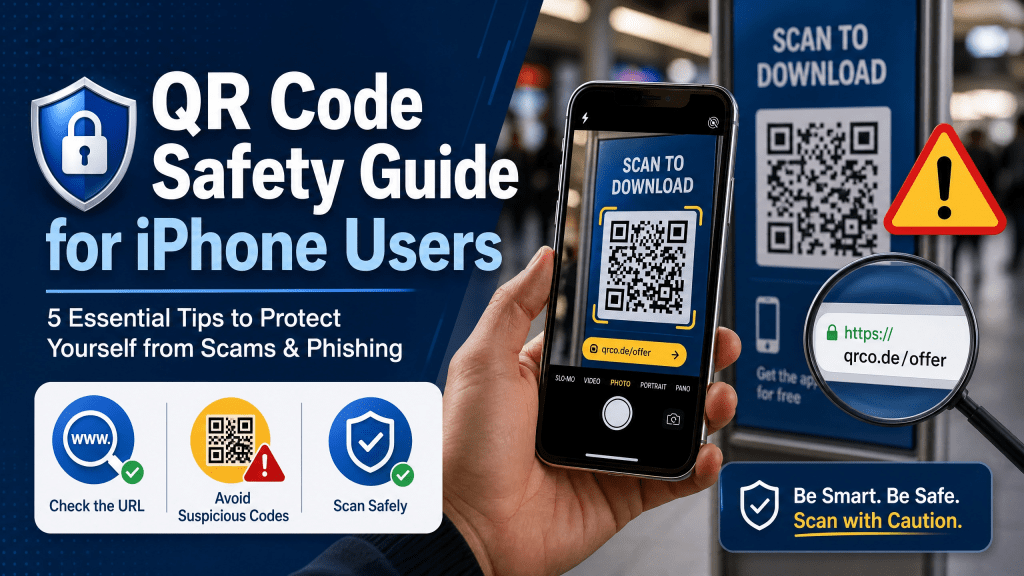
QR codes are now everywhere. You can find them in restaurants, advertisements, parking meters, product packaging, event tickets, and even business cards. They make life easier because users can instantly open websites, download files, connect to WiFi, or make payments with a quick scan.
But while QR codes are convenient, many iPhone users forget that they can also create security risks if used carelessly.
Scammers increasingly use fake QR codes to redirect users to phishing websites, malware downloads, or fake payment pages. Because QR codes hide the destination link until scanned, many people click without checking carefully.
The good news is that staying safe is relatively simple. In this guide, you’ll learn practical QR code safety tips for iPhone users and how to avoid common QR-related scams.
How to Identify Safe QR Codes
Trusted QR codes usually come from:
- Official businesses
- Verified websites
- Secure payment systems
- Professional packaging
Be cautious if:
- The QR code sticker looks tampered with
- The code redirects multiple times
- The page asks for urgent payments
- The design looks suspicious
If something feels unusual, stop immediately.
Why QR Codes Can Be Risky
QR codes themselves are not dangerous. The risk comes from the content behind them.
A QR code can open:
- A safe website
- A fake login page
- A malicious download
- A scam payment portal
- A phishing form
Because users often trust QR codes automatically, attackers take advantage of this behavior.
Common QR Code Scams
Understanding the most common scams can help you avoid them.
Fake Payment QR Codes
Scammers sometimes place fake QR stickers over real payment codes in public areas.
When scanned, the payment goes to the attacker instead of the business.
Phishing Websites
Some QR codes redirect users to fake websites that steal passwords or account details.
Malware Downloads
Malicious QR codes may trigger app downloads containing harmful software.
Public Poster Scams
Fraudulent QR stickers are sometimes added to parking meters, restaurant tables, or advertisements.
Always inspect public QR codes carefully before scanning.
How iPhone Helps Protect Users
Apple includes several built-in protections that improve QR safety.
URL Preview Notifications
When you scan a QR code with the Camera app, iPhone usually shows the destination link before opening it.
This gives users a chance to verify the website first.
App Store Security
iOS blocks many suspicious app installations automatically.
Safari Warnings
Dangerous websites may trigger warning pages inside Safari.
Even with these protections, users should still stay cautious.
Best QR Code Safety Tips
Check the URL Before Opening
Always read the link preview carefully.
Look for suspicious spelling such as:
- Fake company names
- Extra symbols
- Misspelled domains
For example:
paypa1.cominstead ofpaypal.com
Small differences matter.
Avoid Random Public QR Codes
Be cautious with QR codes placed in public areas without clear branding.
Do Not Enter Sensitive Information Quickly
If a QR code opens a login page, verify the website before entering passwords or payment details.
Avoid Downloading Unknown Apps
Never install apps from QR codes unless you trust the source completely.
Use Trusted QR Scanner Apps
Reliable QR scanners often provide security warnings and cleaner previews.
Why Simplicity Matters in QR Apps
Some QR scanner apps overload users with ads, popups, or unnecessary features.
In my experience, a simple and fast QR scanner is way better than one with too many features.
Clean apps reduce confusion and help users focus on the destination link before opening it.
Safe Ways to Share QR Codes
QR codes are extremely useful when used responsibly.
Businesses often use them for:
- Menus
- WiFi access
- PDF documents
- Event tickets
- Product information
For example, many people now use QR codes to share WiFi passwords instead of typing them manually. This guide on sharing WiFi passwords via QR codes explains how QR-based sharing works safely and efficiently.
QR Codes and Public WiFi
Many public places now use QR codes for WiFi access.
Before connecting:
- Verify the business name
- Confirm the network is legitimate
- Avoid entering financial information on public WiFi
Using a VPN on public networks can also improve privacy.
Are QR Codes Safe for Payments?
QR payments are generally safe when using trusted providers.
Popular systems include:
- Apple Pay
- PayPal
- Venmo
- Bank apps
Always confirm:
- The payment recipient
- The website domain
- The transaction amount
before completing payment.
Choosing a Secure QR Scanner
A good QR scanner should prioritize:
- Fast scanning
- URL previews
- Minimal ads
- Safe browsing
- Reliable performance
Tools like Scan QR Reader are designed to keep scanning simple while helping users access QR content more safely.
Why QR Code Usage Keeps Growing
Despite security concerns, QR codes continue growing because they are extremely convenient.
Today they are widely used for:
- Mobile payments
- Contactless menus
- Ticket systems
- Marketing campaigns
- File sharing
- Product verification
Most QR interactions are completely safe when users follow basic precautions.
Final Thoughts
QR codes make digital access incredibly fast and convenient, especially for iPhone users. But convenience should always be balanced with awareness.
By checking links carefully, avoiding suspicious codes, and using reliable QR scanner apps, you can enjoy QR technology safely without unnecessary risks.
If you want a lightweight scanner designed for everyday QR use, you can also try the iPhone QR Scanner app for faster and simpler scanning on iPhone.


Leave a comment