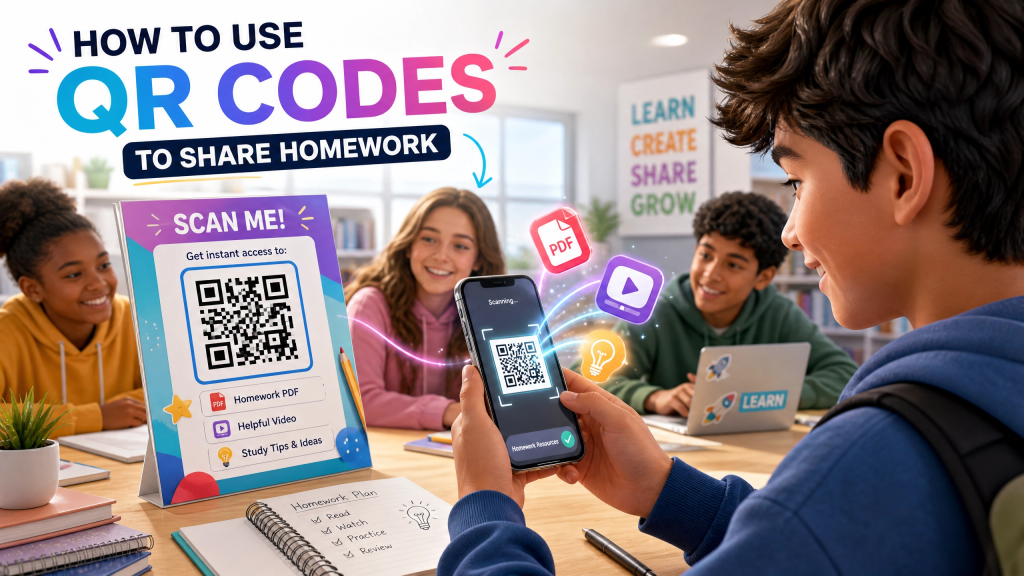
Technology continues changing the way students and teachers communicate. In many classrooms today, paper worksheets are slowly being replaced by digital resources that students can access instantly from their phones or tablets. One of the simplest and most efficient tools supporting this shift is the QR code.
Schools, teachers, and students increasingly use QR codes homework systems and lightweight student QR apps to distribute assignments, organize materials, and improve classroom productivity. QR workflows reduce friction while making learning resources more accessible across devices.
In this article, we’ll explore how QR codes help students share homework efficiently, why QR systems are growing in education, and how mobile QR tools improve the modern classroom experience.
Why schools increasingly use QR systems
Educational environments now rely heavily on digital tools.
QR workflows help schools:
- Reduce paper usage
- Simplify classroom organization
- Improve remote learning access
- Share materials quickly
- Support mobile learning
Students already use smartphones daily, so QR systems integrate naturally into existing habits.
Why QR codes work well for homework
Traditional homework distribution can be inconvenient.
Teachers often deal with:
- Printed worksheets
- Lost assignments
- Missing attachments
- Long URLs
- Email confusion
QR codes simplify access by allowing students to scan and instantly open learning materials.
Instead of searching through emails or typing links manually, students can access assignments with one quick scan.
How QR homework sharing works
The process is simple:
- Upload the assignment online
- Generate a QR code for the file or link
- Share the QR code with students
- Students scan and open the homework instantly
QR codes can connect to:
- PDFs
- Google Docs
- Videos
- Study guides
- Slides
- Shared folders
- Online quizzes
This makes homework distribution much faster and easier.
Mobile learning is becoming standard
Modern students often complete assignments using:
- Smartphones
- Tablets
- Laptops
- Shared school devices
QR systems improve mobile accessibility by reducing unnecessary steps.
Students can instantly access:
- Homework
- Lecture notes
- Practice tests
- Classroom announcements
without complicated login processes.
Why teachers like QR homework systems
Teachers benefit because QR workflows:
- Save time
- Reduce repetitive file sharing
- Simplify updates
- Improve classroom organization
- Reduce printing costs
Dynamic QR systems can even update assignment destinations without replacing the original QR image.
QR codes improve remote education
Online and hybrid learning environments depend heavily on fast digital access.
QR systems help students:
- Open resources quickly
- Access assignments remotely
- Join shared learning platforms
- Reduce confusion during online classes
This became especially useful as digital classrooms expanded globally.
Why reliable QR apps matter
Not every QR app works smoothly in educational environments.
Some apps look good, but once you use them, you realize they’re not that reliable.
Students and teachers often encounter:
- Slow scanning
- Broken redirects
- Excessive ads
- Poor recognition speed
- Cluttered interfaces
Reliable QR performance is important during busy classroom situations where speed matters.
Choosing lightweight QR tools
Minimal QR apps often perform better because they focus on:
- Fast scanning
- Clean interfaces
- Stable recognition
- Quick access
Heavy apps with unnecessary features may slow down classroom workflows.
Many users prefer lightweight tools that simply work without delays.
QR codes for classroom collaboration
Students increasingly use QR systems for:
- Group projects
- Shared notes
- Presentation links
- Research materials
- File collaboration
This helps teams exchange resources quickly during both in-person and remote learning.
Why iPhone QR tools are popular with students
Many students already use iPhones daily for:
- Homework
- Research
- Communication
- Collaboration
- File management
Modern QR tools make educational workflows much more efficient.
This guide explores several useful QR generation tools designed for iPhone users: best free QR code generators for iPhone.
Students also frequently use lightweight scanning tools such as Scan QR Reader for fast classroom access and simple QR management.
Benefits of QR homework systems
Faster access
Students open assignments instantly.
Better organization
Teachers centralize resources efficiently.
Reduced paper waste
Digital distribution lowers printing needs.
Easier updates
Dynamic links simplify assignment changes.
Improved flexibility
Students can study from anywhere.
QR systems for study materials
Teachers now use QR codes for:
- Flashcards
- Video lessons
- Practice quizzes
- Revision notes
- Interactive resources
QR systems improve engagement by simplifying access to digital learning tools.
Best practices for QR homework sharing
Use clear labels
Students should know exactly what each QR code contains.
Test QR links before sharing
Broken links create frustration.
Keep QR designs simple
Overly decorative codes may scan poorly.
Optimize files for mobile devices
Assignments should display properly on phones.
Use trusted QR tools
Reliable apps improve classroom efficiency.
Common mistakes teachers make
1. Using low-quality QR images
Blurry codes reduce scan reliability.
2. Sharing expired links
Students lose access unexpectedly.
3. Overcomplicating workflows
Simple systems work best.
4. Ignoring mobile usability
Students primarily access materials on phones.
5. Using unreliable QR apps
Poor performance interrupts classroom productivity.
Why QR workflows continue growing
Educational technology continues evolving rapidly.
Schools increasingly adopt QR systems because they:
- Improve accessibility
- Simplify communication
- Support mobile learning
- Reduce classroom friction
- Enhance collaboration
QR technology fits naturally into modern digital learning environments.
Future trends in QR education tools
Future QR education systems may include:
- AI-powered assignment tracking
- Smart classroom analytics
- Dynamic resource updates
- Interactive QR lessons
- Personalized learning portals
QR workflows will likely become even more integrated into digital education systems.
Final thoughts
Using QR codes homework systems helps teachers and students simplify classroom communication while improving digital learning workflows. Lightweight student QR apps reduce friction, improve accessibility, and make assignment sharing much faster across both in-person and remote learning environments.
As schools continue moving toward mobile-first education, efficient QR workflows will remain an important part of modern classroom organization.
For users interested in simple mobile QR tools, some people also explore apps like this one on the App Store: QR Reader for iPhone.


Leave a comment