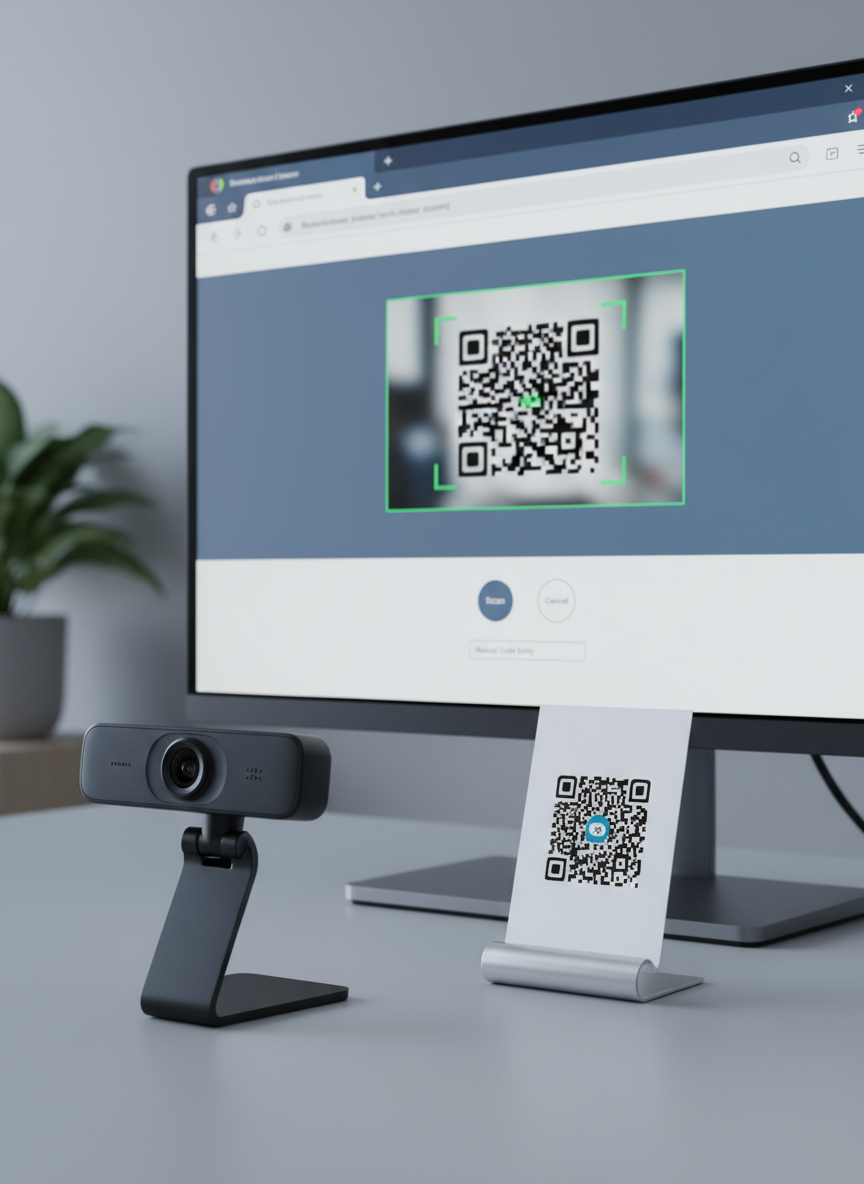
A modern desktop workstation featuring a slim, frameless computer monitor displaying a clean QR code scanning webpage, with a large QR code preview window and simple interface controls. In front of the monitor, a high-quality USB webcam with a matte black finish is pointed toward a printed QR code on a white card standing upright on a minimalist stand. Cool, even studio lighting illuminates the scene, casting precise, soft shadows that highlight the shapes of the hardware. Captured at eye level with sharp focus throughout, the composition follows the rule of thirds, creating a balanced, professional, and trustworthy atmosphere in a crisp photographic style, perfectly conveying web-based QR code scanning via webcam.

QR Scanner

Scan QR codes instantly from images or your camera, right in your browser, no downloads required.

Contact support

Use this form to report unreadable QR codes, browser errors, or camera issues so we can investigate and fix them.

← Back

Thank you for your response. ✨

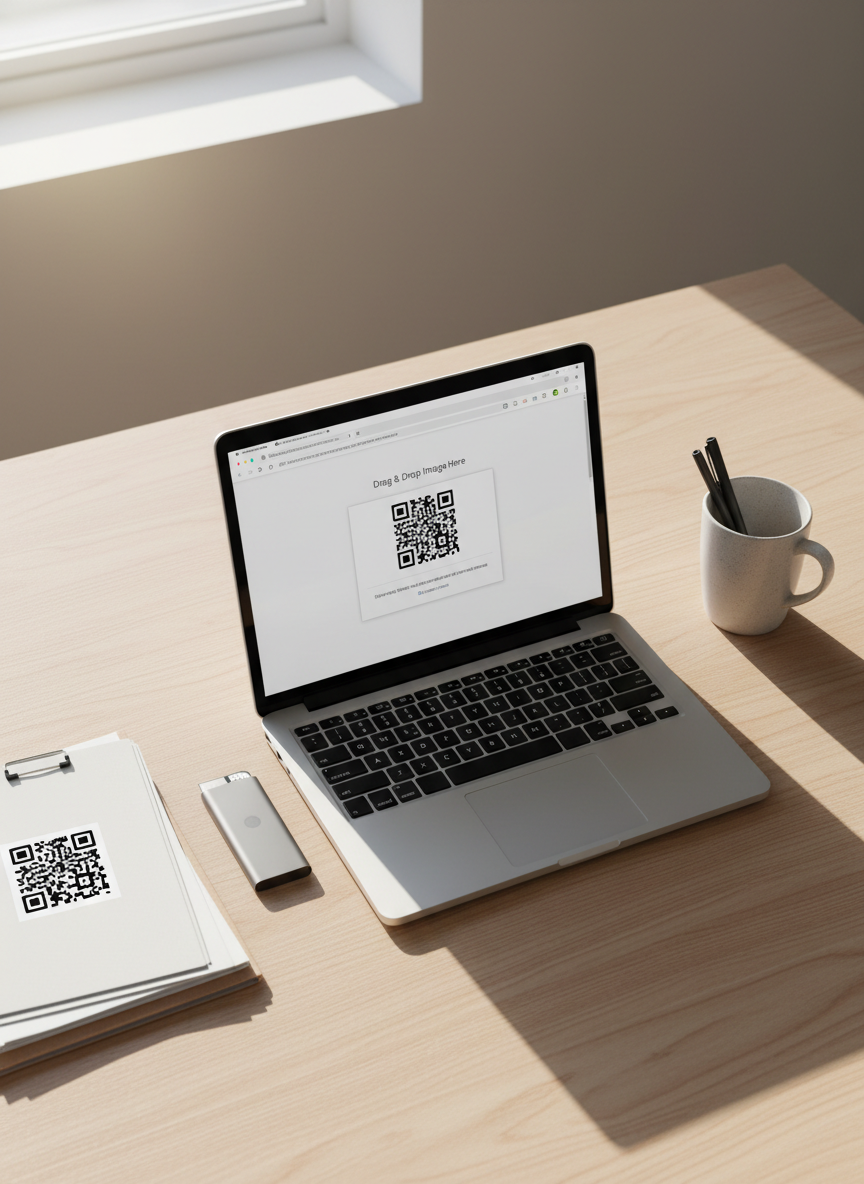
An overhead, bird’s-eye view of a light wood desk showcasing the process of scanning a QR code from an image file. A silver laptop with a bright screen displays a browser window where a QR scanner web app is open, featuring a drag-and-drop upload area with a thumbnail of a screenshot containing a QR code. Nearby, a neatly arranged folder of printed screenshots and a slim external SSD emphasize digital organization. Soft natural daylight from the side creates a gentle gradient of light across the desk, producing delicate shadows under each object. The mood is calm, organized, and efficient, with a photographic, clean, and modern aesthetic emphasizing ease of use without any mobile app installation.

QR Scanner Help & FAQ

Need help scanning a QR code? Check camera permissions, upload clear images, and ensure your file is PNG, JPG, or SVG.