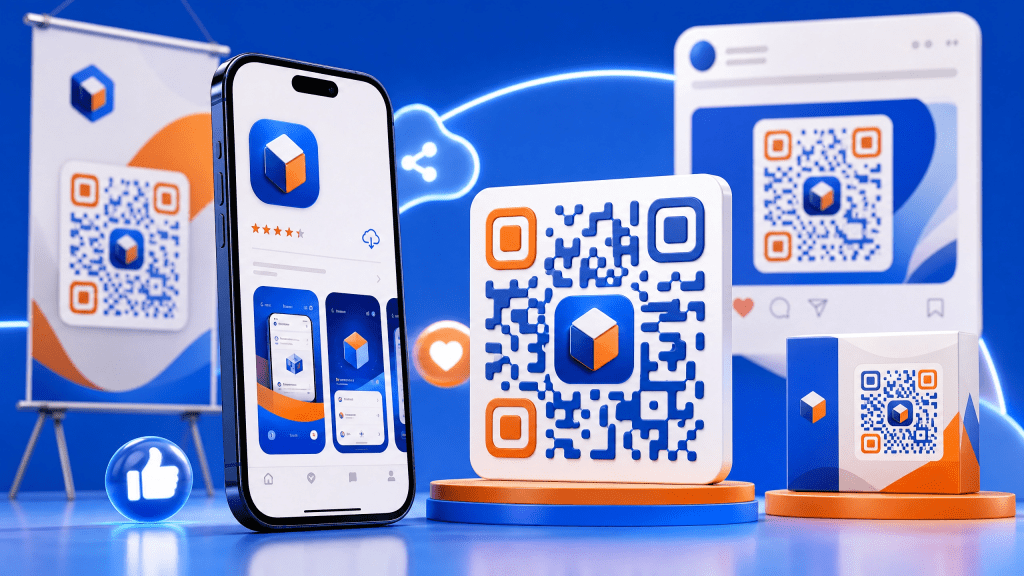
Sharing app download links can sometimes be more complicated than it should be. Long URLs, app store searches, and manual typing can slow users down and reduce conversions. That’s where QR codes come in. With a quick scan, users can instantly access your app page—no friction, no confusion.
In this guide, we’ll walk through how to share app QR codes effectively using an iPhone QR scanner, along with best practices to maximize downloads and user engagement.
Step 1: Get Your App Store Link
Before creating a QR code, you need the correct link.
For iPhone apps:
- Go to the App Store
- Find your app
- Tap “Share”
- Copy the link
This link will be the destination of your QR code.
Step 2: Generate a QR Code
Next, use a QR code generator to convert your app link into a scannable code.
How to do it:
- Paste your app URL into a generator
- Click “Generate”
- Download the QR code image
You can also use tools like scan QR codes easily to both generate and test your QR codes quickly.
Step 3: Test with an iPhone QR Scanner
Before sharing your QR code, always test it.
Testing steps:
- Open your camera or iPhone QR scanner
- Scan the code
- Confirm it opens the correct app page
This step ensures users won’t encounter broken or incorrect links.
Step 4: Customize Your QR Code
Custom QR codes can significantly improve engagement.
Customization ideas:
- Add your app logo
- Use brand colors
- Include a call-to-action (e.g., “Scan to Download”)
Just make sure the design doesn’t affect scannability.
Step 5: Place QR Codes Strategically
Where you place your QR code matters just as much as how you create it.
Effective placements:
- Posters and flyers
- Product packaging
- Social media graphics
- Event booths
- Email signatures
The goal is to make scanning easy and natural.
Step 6: Enable Easy Access to Saved Links
Sometimes users want to revisit app links later. Make sure they can easily save them.
You can guide users to resources like this tutorial on how to save QR code links and data on iPhone so they don’t lose access after scanning.
Step 7: Consider Offline Scenarios
Not all users will have a stable internet connection when scanning.
Tips:
- Use QR codes that still provide value offline
- Pair QR codes with short URLs as backup
- Ensure fast loading when connection is available
Planning for offline use improves overall user experience.
Why Use QR Codes to Share App Links?
QR codes simplify the entire process of app discovery and installation.
Key benefits:
- Instant access to app store pages
- No typing required
- Works across offline and online channels
- Ideal for marketing campaigns
Instead of asking users to search manually, you can guide them directly to your app with one scan.
Real Experience
To be honest, I was a bit skeptical at first… I wasn’t sure if people would actually scan QR codes to download apps. But after testing it in a small campaign, the results were surprisingly good.
Users preferred scanning over typing, and the number of installs increased noticeably. It made me realize how powerful a simple QR code can be when used correctly.
Common Mistakes to Avoid
1. Linking to the Wrong Page
Always double-check your app URL.
2. Poor Design
Low contrast or cluttered designs can make codes hard to scan.
3. No Instructions
Without a call-to-action, users may ignore the QR code.
4. Skipping Testing
Never skip the testing phase—it can cost you users.
Advanced Tips for Better Results
Use Dynamic QR Codes
Update the destination link without changing the QR code.
Track Performance
Measure how many users scan and install your app.
Combine with Promotions
Offer incentives like discounts or exclusive content to encourage scanning.
Real-World Use Cases
QR codes for app sharing are widely used across industries:
- Events: Quick access to event apps
- Retail: Loyalty or shopping apps
- Education: Learning platforms
- Marketing: Campaign-specific app downloads
In each case, QR codes reduce friction and improve user experience.
Final Thoughts
Sharing app links using QR codes is one of the simplest ways to boost downloads and improve accessibility. By following these steps—creating, testing, customizing, and placing your QR codes strategically—you can create a seamless experience for your users.
Whether you’re promoting a new app or increasing installs for an existing one, QR codes provide a fast and effective solution.
Download a QR Scanner App
If you want a reliable way to scan and manage QR codes, try this app:
It’s a convenient tool for scanning, saving, and sharing QR code links effortlessly.


Leave a comment