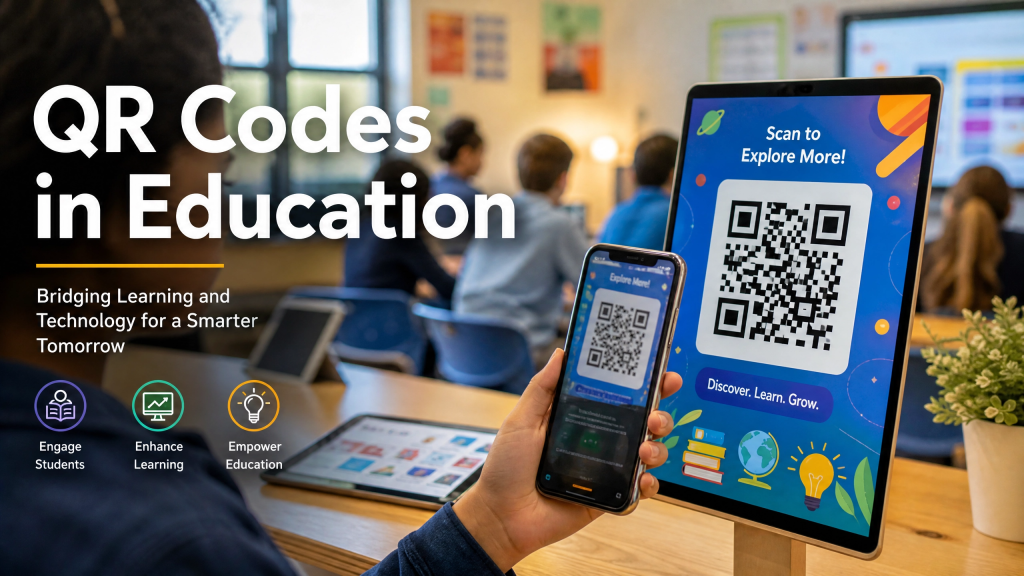
Technology continues to transform modern education, and one of the simplest yet most effective tools available today is the QR code. From sharing assignments to distributing classroom resources, QR codes are helping educators create faster and more organized learning environments.
As schools increasingly adopt digital learning practices, QR classroom apps are becoming valuable tools for both teachers and students. By reducing repetitive tasks and simplifying access to information, QR codes can significantly improve the overall QR student workflow.
Why QR Codes Are Useful in Education
Teachers often spend a considerable amount of time sharing resources, answering repetitive questions, and helping students locate assignments.
QR codes solve many of these challenges by providing instant access to information. Instead of writing long URLs on a whiteboard or sending multiple emails, educators can generate a QR code that links directly to the required content.
Students simply scan the code and access the material immediately.
Many schools are now integrating tools such as a QR code scanner for education to simplify daily classroom activities and reduce administrative overhead.
Improving Assignment Distribution
One of the most common uses of QR codes in education is assignment sharing.
Teachers can place QR codes on presentation slides, worksheets, bulletin boards, or learning management systems. Students scan the code and instantly receive instructions, documents, or supplemental materials.
This approach eliminates confusion and ensures everyone accesses the correct resource.
The same concept has proven effective in professional environments. For example, this guide on sharing PDFs through QR codes for remote work demonstrates how QR codes streamline document distribution and improve accessibility.
Enhancing Student Engagement
Students are already comfortable using smartphones and tablets. Incorporating QR codes into classroom activities allows educators to meet learners where they are most comfortable.
QR codes can be used for:
- Interactive learning activities
- Digital quizzes
- Homework instructions
- Video tutorials
- Research resources
- Group collaboration projects
These applications help create a more engaging and efficient learning experience.
A reliable QR scanning app for students can make accessing these resources quick and intuitive.
Supporting Hybrid and Remote Learning
The rise of hybrid and remote education has increased the need for efficient digital workflows.
QR codes help bridge the gap between physical and digital learning environments by allowing students to access resources from virtually anywhere.
Whether students are in a classroom, at home, or participating remotely, QR codes ensure they receive the same information with minimal effort.
This consistency plays an important role in maintaining an effective QR student workflow.
A Small Change That Produced Big Results
Several educators have reported positive outcomes after introducing QR codes into their classrooms.
When I first started using QR codes to organize classroom resources, I viewed them as a simple convenience rather than a major productivity tool.
Two weeks later, my traffic saw a change…
More students were accessing learning materials, participation rates increased, and fewer questions were being asked about where to find assignments. The entire workflow became smoother for both teachers and students.
Sometimes small improvements can create surprisingly meaningful results.
Best Practices for Classroom QR Code Implementation
To maximize effectiveness:
- Use clear and high-resolution QR codes.
- Test every code before sharing it with students.
- Place codes in easily visible locations.
- Include brief descriptions explaining what each code provides.
- Organize QR resources by subject or lesson.
Many educators also use a trusted QR code reader app to verify that codes remain functional throughout the school year.
Looking Ahead
As digital learning continues to evolve, QR codes are likely to become an even more common part of classroom workflows.
Their ability to simplify information sharing, reduce repetitive tasks, and improve accessibility makes them a practical solution for educators seeking to modernize instruction without increasing complexity.
Whether you’re teaching elementary students, high school learners, or adult education courses, QR technology offers a flexible way to improve classroom efficiency.
Final Thoughts
QR codes provide a simple yet powerful method for organizing educational resources and improving communication between teachers and students.
By integrating QR classroom apps into daily instruction, educators can streamline workflows, increase engagement, and create a more connected learning environment.
If you’re experimenting with ways to turn a URL to QR code into a more efficient educational resource, QR technology is worth exploring.
For educators interested in mobile QR solutions, consider downloading the QR Scanner for iPhone to simplify classroom resource sharing and digital learning workflows.


Leave a comment